Product recommendation banners in code editor
The code editor lets you build dynamic product recommendation banners using HTML, CSS, JavaScript, and Razor syntax. You can use them to display personalized product recommendations in emails and on your website.
The editor preview won’t render actual product data – variables will appear as raw expressions like @product.Name.
To see real data, use the Live preview option or test the banner on your actual website.
Supported technologies
The code editor supports:
- HTML5 – for structuring your banner content.
- CSS3 – for styling and responsive design.
- JavaScript – for interactive functionality and dynamic behavior.
- Razor Syntax – for server-side logic and data binding using
@{}blocks.
Initializing product recommendations#
To retrieve product recommendations, use the following Razor syntax:
@{
    var recommendations = Model.GetRecommendations(4);
}This retrieves up to 4 recommended products. You can adjust the number to match your banner layout.
The method returns an object with two properties:
- recommendations.Products – the list of recommended products.
- recommendations.Currency – the store currency, used to display prices.
Available product variables
The following properties are available for each product in recommendations.Products:
| Property | Type | Description | Example usage |
| Id | string | Unique product identifier. | product.Id |
| Name | string | Product name. | product.Name |
| ImageUrl | string | URL of the product image. | product.ImageUrl |
| Url | string | URL of the product page. | product.Url |
| Category | string | Product category. | product.Category |
| PriceString | string | Regular price, formatted as string. | product.PriceString |
| CurrentPriceString | string | Sale price, formatted as string. Empty if no sale is active. | product.CurrentPriceString |
| OmnibusPriceString | string | Lowest price in the last 30 days (EU Omnibus Directive). | product.OmnibusPriceString |
| AdditionalInfo | string | Optional additional information. | product.AdditionalInfo |
| CustomProductAttributes | list | Custom attributes defined for the product (e.g. Brand, Color). | See usage examples below. |
The store currency is available as a separate object:
| Property | Type | Description | Example usage |
| recommendations.Currency.Sign | string | Currency symbol (e.g. €, $, zł). | @recommendations.Currency.Sign |
| recommendations.Currency.ISO | string | ISO currency code (e.g. EUR, USD, PLN). | @recommendations.Currency.ISO |
Common use cases#
Checking if a product exists
Always check for null before accessing product properties:
@{
var recommendations = Model.GetRecommendations(4);
var product = recommendations.Products?.FirstOrDefault();
}
@if (product != null)
{
@* Display your product here *@
}Displaying the sale price with a fallback
Use CurrentPriceString for the sale price. If it’s empty, fall back to PriceString:
@(string.IsNullOrWhiteSpace(product.CurrentPriceString)
? product.PriceString
: product.CurrentPriceString)
@recommendations.Currency.SignDisplaying Omnibus price
The omnibus price is required for EU compliance when showing discounted prices:
@if (!string.IsNullOrWhiteSpace(product.OmnibusPriceString))
{
<div>Lowest price in 30 days: @product.OmnibusPriceString @recommendations.Currency.Sign</div>
}Calculating and displaying the discount percentage
To calculate and display the discount as a percentage:
@{
decimal regularPrice = 0;
decimal salePrice = 0;
decimal discountPercentage = 0;
if (decimal.TryParse(product.PriceString, out regularPrice) &&
decimal.TryParse(product.CurrentPriceString, out salePrice) &&
regularPrice > 0 && salePrice > 0)
{
discountPercentage = Math.Round(((regularPrice - salePrice) / regularPrice) * 100, 0);
}
}
@if (discountPercentage > 0)
{
<div>-@discountPercentage%</div>
}Complete price display logic
This example handles all price scenarios – regular price, sale price, and omnibus price:
@if (!string.IsNullOrWhiteSpace(products.CurrentPriceString))
{
<div>@products.CurrentPriceString @recommendations.Currency.Sign</div>
<div><s>@products.PriceString @recommendations.Currency.Sign</s></div>
@if (!string.IsNullOrWhiteSpace(products.OmnibusPriceString))
{
<div>Lowest price in 30 days: @products.OmnibusPriceString @recommendations.Currency.Sign</div>
}
}
else
{
<div>@products.PriceString @recommendations.Currency.Sign</div>
}Looping through all products
Here’s how to loop through all retrieved products and display their properties:
@{
    var recommendations = Model.GetRecommendations(4);
}
@foreach (var product in recommendations.Products)
{
if (product != null)
{
<div>@product.Id</div>
<div>@product.Name</div>
<img src="@product.ImageUrl" alt="@product.Name" />
<a href="@product.Url">@product.Url</a>
<div>@product.PriceString @recommendations.Currency.Sign</div>
<div>@product.CurrentPriceString @recommendations.Currency.Sign</div>
<div>@product.OmnibusPriceString @recommendations.Currency.Sign</div>
}
}Reading a custom product attribute
@{
    var brand = product?.CustomProductAttributes
        ?.FirstOrDefault(x => x.Name == "Brand")?.ValueString;
}
Sample banner
Here’s a complete example of a responsive 4-product recommendation banner:
<style>
    .banner-header {
        text-align: center;
        padding: 20px;
        background: white;
    }

    .banner-header h1 {
        color: #2c3e50;
        font-size: 24px;
        margin-bottom: 5px;
        font-weight: 600;
    }

    .banner-header p {
        color: #7f8c8d;
        font-size: 14px;
        margin: 0;
    }

    .expertsender-banner {
        display: grid;
        grid-template-columns: repeat(auto-fit, minmax(280px, 1fr));
        gap: 0;
        width: 100%;
        max-width: 1200px;
        margin: 0 auto;
        background: white;
        box-sizing: border-box;
    }

    .banner-title {
        grid-column: 1 / -1;
        text-align: center;
        font-size: 32px;
        color: #2c3e50;
        margin: 40px 0 30px 0;
        font-weight: 300;
        letter-spacing: -0.5px;
    }

    .product-card {
        background: white;
        padding: 30px 20px;
        text-align: center;
        transition: all 0.3s ease;
        position: relative;
        display: flex;
        flex-direction: column;
        height: 520px;
        border-right: 1px solid #f1f3f4;
    }

    .product-card:last-child {
        border-right: none;
    }

    .product-card:hover {
        background: #fafbfc;
        transform: translateY(-2px);
    }

    .discount-badge {
        position: absolute;
        top: 20px;
        right: 20px;
        background: #e74c3c;
        color: white;
        padding: 6px 12px;
        border-radius: 20px;
        font-size: 12px;
        font-weight: 600;
        box-shadow: 0 2px 8px rgba(231, 76, 60, 0.25);
    }

    .product-image {
        width: 220px;
        height: 220px;
        object-fit: cover;
        border-radius: 8px;
        margin: 0 auto 20px auto;
        transition: transform 0.3s ease;
        background: #f8f9fa;
    }

    .product-card:hover .product-image {
        transform: scale(1.02);
    }

    .product-name {
        font-size: 18px;
        font-weight: 500;
        color: #2c3e50;
        margin-bottom: 15px;
        height: 50px;
        overflow: hidden;
        display: -webkit-box;
        -webkit-line-clamp: 2;
        -webkit-box-orient: vertical;
        line-height: 1.4;
    }

    .price-section {
        margin-bottom: 25px;
        flex-grow: 1;
        display: flex;
        flex-direction: column;
        justify-content: center;
    }

    .current-price {
        font-size: 24px;
        font-weight: 600;
        color: #2c3e50;
        margin-bottom: 5px;
    }

    .sale-price {
        font-size: 24px;
        font-weight: 600;
        color: #e74c3c;
        margin-bottom: 5px;
    }

    .original-price {
        font-size: 16px;
        text-decoration: line-through;
        color: #95a5a6;
    }

    .buy-button {
        background: #2c3e50;
        color: white;
        padding: 12px 32px;
        border: none;
        border-radius: 4px;
        text-decoration: none;
        display: inline-block;
        font-size: 14px;
        font-weight: 500;
        transition: all 0.3s ease;
        text-transform: uppercase;
        letter-spacing: 1px;
        margin-top: auto;
    }

    .buy-button:hover {
        background: #34495e;
        transform: translateY(-1px);
        box-shadow: 0 4px 12px rgba(44, 62, 80, 0.25);
    }

    @media (max-width: 768px) {
        .product-card {
            border-right: none;
            border-bottom: 1px solid #f1f3f4;
            height: auto;
            min-height: 420px;
        }

        .product-card:last-child {
            border-bottom: none;
        }

        .banner-title {
            font-size: 28px;
            margin: 30px 0 20px 0;
        }
    }

    @media (max-width: 480px) {
        .expertsender-banner {
            grid-template-columns: 1fr;
        }

        .product-image {
            width: 200px;
            height: 200px;
        }
    }
</style>

@{
    var recommendations = Model.GetRecommendations(4);
}

<div class="expertsender-banner">
    <h3 class="banner-title">Featured products</h3>
    @foreach (var product in recommendations.Products)
    {
        <div class="product-card">
            @if (decimal.TryParse(product?.PriceString, out decimal regularPrice) &&
                 decimal.TryParse(product?.CurrentPriceString, out decimal salePrice) &&
                 regularPrice > 0 && salePrice > 0)
            {
                <div class="discount-badge">@Math.Round(((regularPrice - salePrice) / regularPrice) * 100, 0)% OFF</div>
            }

            <img src="@product?.ImageUrl" alt="@product?.Name" class="product-image">
            <div class="product-name">@product?.Name</div>

            <div class="price-section">
                @if (!string.IsNullOrWhiteSpace(product?.CurrentPriceString))
                {
                    <div class="sale-price">@product?.CurrentPriceString @recommendations.Currency.Sign</div>
                    <div class="original-price">@product?.PriceString @recommendations.Currency.Sign</div>
                }
                else
                {
                    <div class="current-price">@product?.PriceString @recommendations.Currency.Sign</div>
                }
            </div>

            <a href="@product?.Url" class="buy-button">Shop now</a>
        </div>
    }
</div>Banner preview:
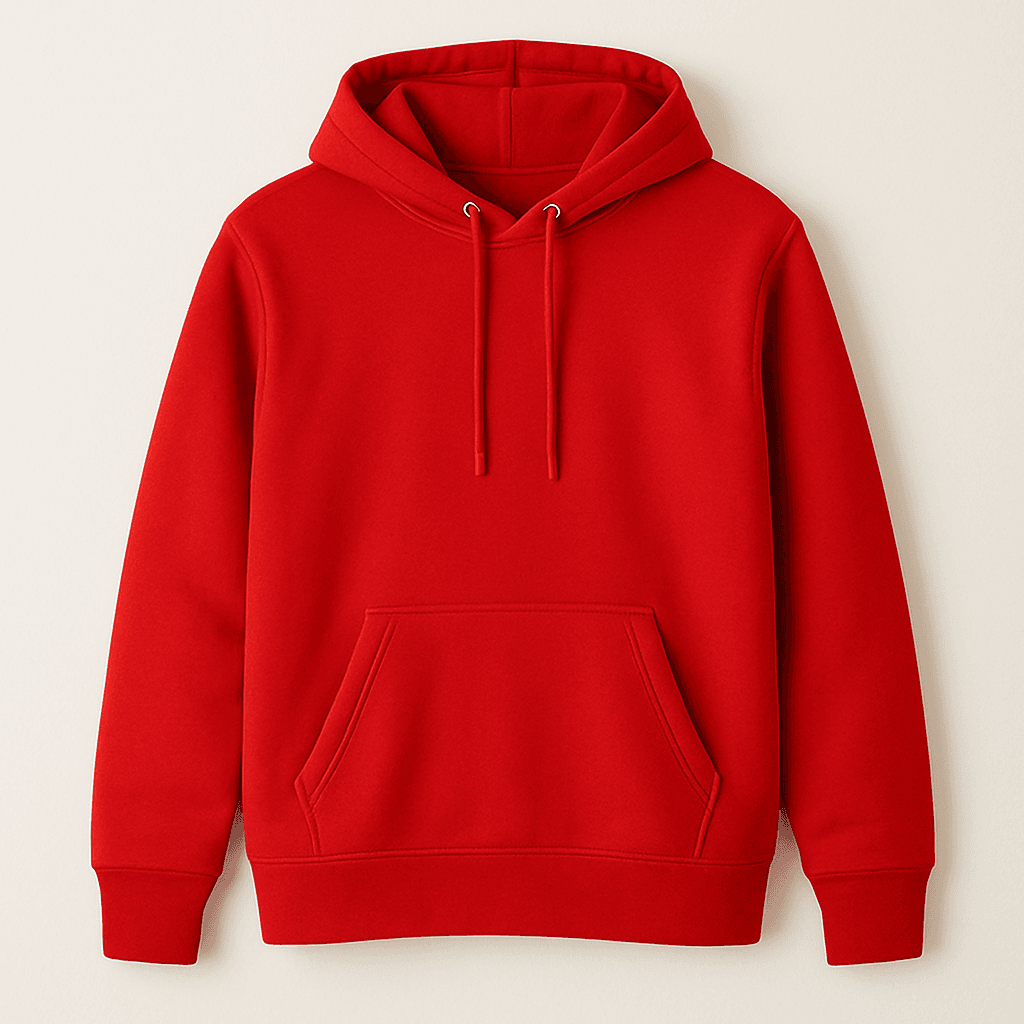
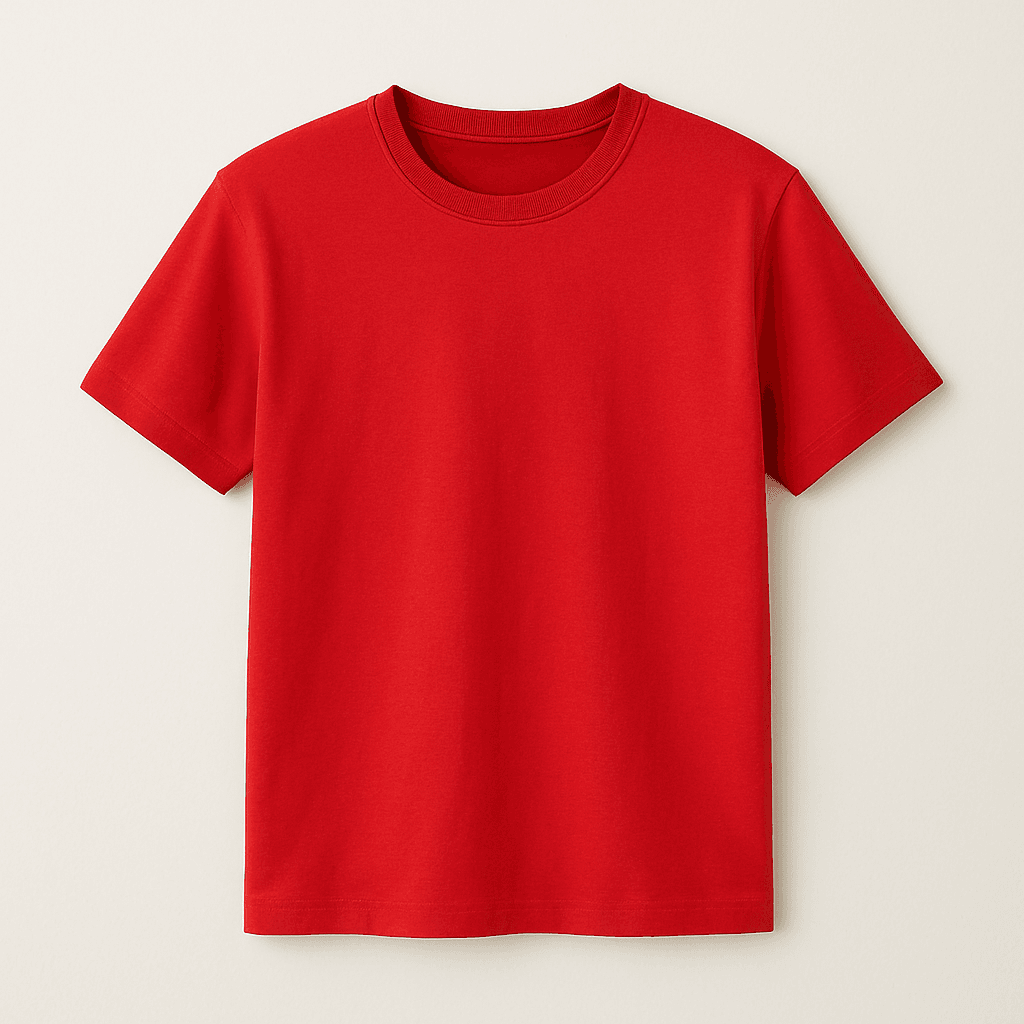
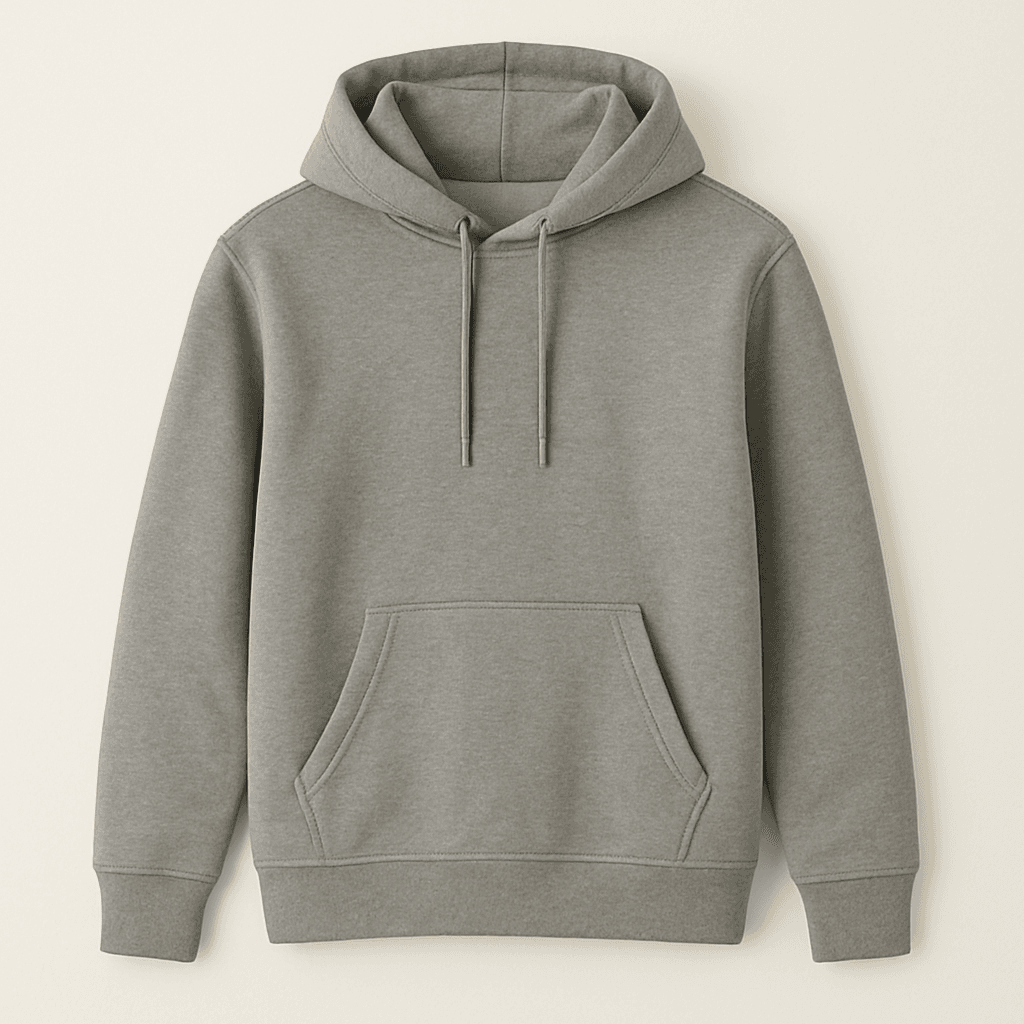
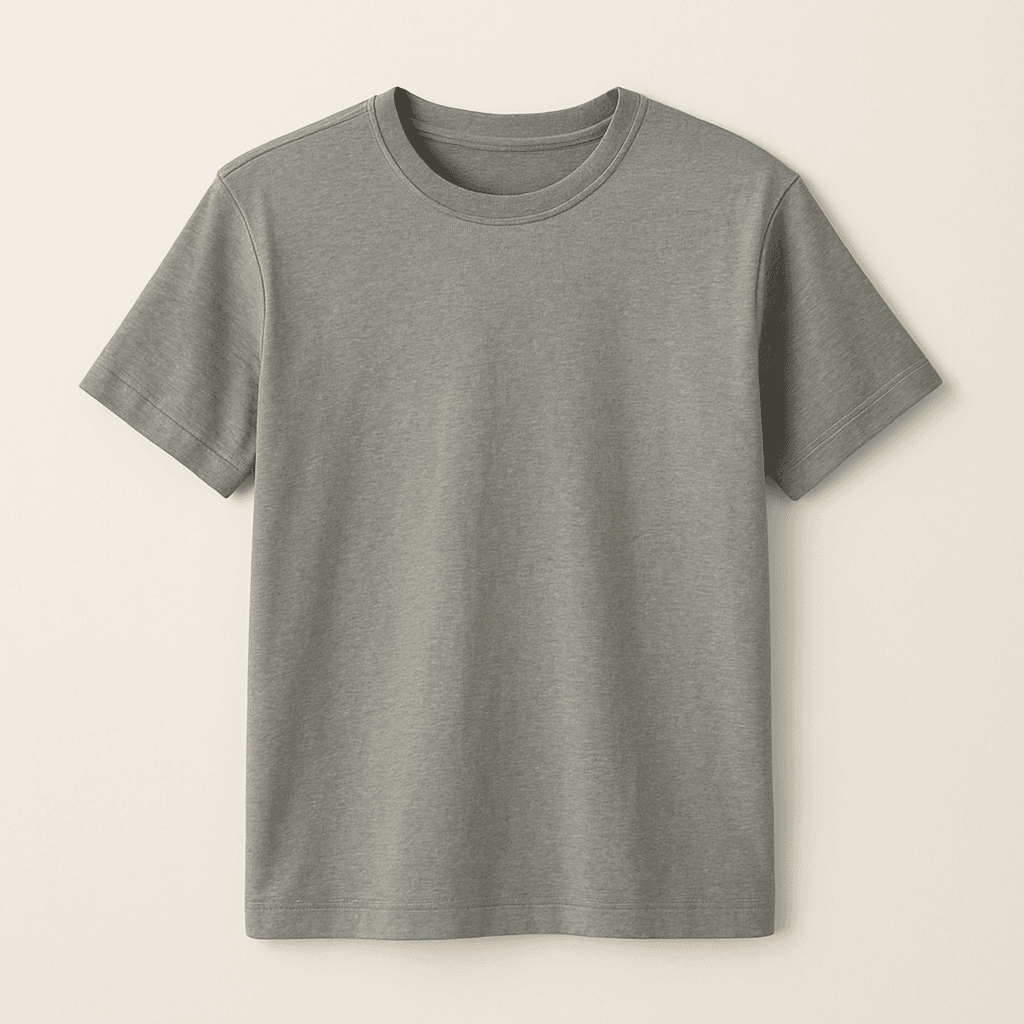
Product data debug table
This table is useful for checking what data the recommendation engine returns. It displays all available product properties in a structured format, so you can verify the output before building your banner.
@{
    var recommendations = Model.GetRecommendations(4);
}
<style>
    table.custom-table {
        border-collapse: collapse;
        width: 100%;
    }
    table.custom-table, table.custom-table th, table.custom-table td {
        border: 1px solid black;
    }
    table.custom-table th, table.custom-table td {
        padding: 8px;
    }
</style>

<table class="custom-table">
    <thead>
        <tr>
            <th>Product</th>
            <th>Image</th>
            <th>Name</th>
            <th>Link</th>
            <th>ID</th>
            <th>Category</th>
            <th>Regular price</th>
            <th>Sale price</th>
            <th>Omnibus price</th>
        </tr>
    </thead>
    <tbody>
        @foreach (var item in recommendations.Products
            .Where(p => p != null)
            .Select((p, index) => new { Product = p, Index = index }))
        {
            <tr>
                <td>Product @item.Index</td>
                <td><img src="@item.Product.ImageUrl" alt="Product @item.Index" width="100"/></td>
                <td>@item.Product.Name</td>
                <td><a href="@item.Product.Url">@item.Product.Url</a></td>
                <td>@item.Product.Id</td>
                <td>@item.Product.Category</td>
                <td>@item.Product.PriceString @recommendations.Currency.Sign</td>
                <td>@item.Product.CurrentPriceString @recommendations.Currency.Sign</td>
                <td>@item.Product.OmnibusPriceString @recommendations.Currency.Sign</td>
            </tr>
        }
    </tbody>
</table>Best practices#
- Always use null-conditional operators (
?.) when accessing product properties to prevent errors. - Check for null or empty values before displaying content.
- Use responsive design principles to ensure your banners work across all devices.
- Test your banners with different products counts – the method may return fewer products than requested.
- Consider loading states and empty states in your implementation.
- Use CurrentPriceString for the sale price and fall back to PriceString if it’s empty.
- When displaying a discounted price, always show OmnibusPriceString alongside it to comply with the EU Omnibus Directive.