Jak stworzyć banner z rekomendacjami w edytorze kodu
Edytor kodu pozwala tworzyć dynamiczne bannery z rekomendacjami produktów przy użyciu HTML, CSS, JavaScript i składni Razor. Możesz ich używać do wyświetlania spersonalizowanych rekomendacji w kampaniach e-mail i na stronie internetowej.
Podgląd w edytorze nie wyświetla rzeczywistych danych produktów – dane będą widoczne jako wyrażenia, np. @product.Name.
Aby zobaczyć prawdziwe dane, skorzystaj z opcji Podgląd na żywo lub przetestuj banner bezpośrednio na swojej stronie.
Wspierane technologie
Edytor kodu obsługuje
- HTML5 – do nadania struktury bannerowi.
- CSS3 – do nadania indywidualnego wyglądu i responsywności.
- JavaScript – do obsługi elementów interaktywnych i dynamicznych zachowań.
- Składnia Razor – do obsługi logiki po stronie serwera i wiązania danych (data binding) za pomocą bloków „@{}”.
Pobieranie rekomendacji produktowych
Aby pobrać rekomendacje produktów, użyj następującego wyrażenia:
@{
    var recommendations = Model.GetRecommendations(4);
}
Metoda pobiera maksymalnie 4 polecane produkty. Liczbę tę możesz dostosować do układu swojego bannera.
Metoda zwraca obiekt z dwiema właściwościami:
- recommendations.Products – lista rekomendowanych produktów.
- recommendations.Currency – waluta sklepu, używana do wyświetlania cen.
Dostępne zmienne produktów
Poniższa tabela zawiera wszystkie zmienne dostępne dla każdego produktu z listy recommendations.Products:
| Zmienna | Typ | Opis | Przykład użycia |
| Id | string | Unikalny identyfikator produktu. | product.Id |
| Name | string | Nazwa produktu. | product.Name |
| ImageUrl | string | Adres URL zdjęcia produktu. | product.ImageUrl |
| Url | string | Adres URL strony produktu. | product.Url |
| Category | string | Kategoria produktu. | product.Category |
| PriceString | string | Cena regularna w formacie tekstowym. | product.PriceString |
| CurrentPriceString | string | Aktualna cena produktu w formacie tekstowym. Puste pole oznacza brak aktywnej promocji. | product.CurrentPriceString |
| OmnibusPriceString | string | Najniższa cena z ostatnich 30 dni (zgodnie z dyrektywą Omnibus). | product.OmnibusPriceString |
| AdditionalInfo | string | Opcjonalne informacje dodatkowe. | product.AdditionalInfo |
| CustomProductAttributes | list | Cechy niestandardowe zdefiniowane dla produktu (np. marka, kolor). | Zobacz przykłady poniżej. |
Waluta sklepu jest dostępna jako osobny obiekt:
| Właściwość | Typ | Opis | Przykład użycia |
| recommendations.Currency.Sign | string | Symbol waluty (np. €, $, zł). | @recommendations.Currency.Sign |
| recommendations.Currency.ISO | string | Kod waluty ISO (np. EUR, USD, PLN). | @recommendations.Currency.ISO |
Przykłady użycia
Sprawdzanie, czy produkt istnieje
@{
    var recommendations = Model.GetRecommendations(4);
    var product = recommendations.Products?.FirstOrDefault();
}
@if (product != null)
{
    @* Wyświetl produkt tutaj *@
}
Wyświetlanie aktualnej ceny produktu
Użyj CurrentPriceString jako aktualnej ceny produktu. Jeśli pole jest puste, wyświetl PriceString:
@(string.IsNullOrWhiteSpace(product.CurrentPriceString)
    ? product.PriceString
    : product.CurrentPriceString)
@recommendations.Currency.Sign
Wyświetlanie ceny Omnibus
Wyświetlanie ceny Omnibus jest wymagane przez Unię Europejską, gdy polecasz produkty o obniżonej cenie.
@if (!string.IsNullOrWhiteSpace(product.OmnibusPriceString))
{
    <div>Najniższa cena z 30 dni: @product.OmnibusPriceString @recommendations.Currency.Sign</div>
}
Obliczanie i wyświetlanie obniżki procentowej
@{
    decimal regularPrice = 0;
    decimal salePrice = 0;
    decimal discountPercentage = 0;

    if (decimal.TryParse(products[0]?.PriceS, out regularPrice) &&
        decimal.TryParse(products[0]?.SalePriceS, out salePrice) &&
        regularPrice > 0 && salePrice > 0)
    {
        discountPercentage = Math.Round(((regularPrice - salePrice) / regularPrice) * 100, 0);
    }
}

@if (discountPercentage > 0)
{
    -@discountPercentage%
}
Pełna logika wyświetlania cen
Poniżej znajdziesz przykład obsługujący wszystkie scenariusze cenowe:
@if (!string.IsNullOrWhiteSpace(products.CurrentPriceString))
{
    <div>@products.CurrentPriceString @recommendations.Currency.Sign</div>
    <div><s>@products.PriceString @recommendations.Currency.Sign</s></div>

    @if (!string.IsNullOrWhiteSpace(products.OmnibusPriceString))
    {
        <div>Najniższa cena z 30 dni: @products.OmnibusPriceString @recommendations.Currency.Sign</div>
    }
}
else
{
    <div>@products.PriceString @recommendations.Currency.Sign</div>
}
Pętla przez wszystkie produkty
@{
    var recommendations = Model.GetRecommendations(4);
}
@foreach (var product in recommendations.Products)
{
    if (product != null)
    {
        <div>@product.Id</div>
        <div>@product.Name</div>
        <img src="@product.ImageUrl" alt="@product.Name" />
        <a href="@product.Url">@product.Url</a>
        <div>@product.PriceString @recommendations.Currency.Sign</div>
        <div>@product.CurrentPriceString @recommendations.Currency.Sign</div>
        <div>@product.OmnibusPriceString @recommendations.Currency.Sign</div>
    }
}
Odczytanie niestandardowej cechy produktu
@{

    var brand = product?.CustomProductAttributes

        ?.FirstOrDefault(x => x.Name == "Marka")?.ValueString;
}
Przykładowa struktura banneru
<style>
    .banner-header {
        text-align: center;
        padding: 20px;
        background: white;
    }

    .banner-header h1 {
        color: #2c3e50;
        font-size: 24px;
        margin-bottom: 5px;
        font-weight: 600;
    }

    .banner-header p {
        color: #7f8c8d;
        font-size: 14px;
        margin: 0;
    }

    .expertsender-banner {
        display: grid;
        grid-template-columns: repeat(auto-fit, minmax(280px, 1fr));
        gap: 0;
        width: 100%;
        max-width: 1200px;
        margin: 0 auto;
        background: white;
        box-sizing: border-box;
    }

    .banner-title {
        grid-column: 1 / -1;
        text-align: center;
        font-size: 32px;
        color: #2c3e50;
        margin: 40px 0 30px 0;
        font-weight: 300;
        letter-spacing: -0.5px;
    }

    .product-card {
        background: white;
        padding: 30px 20px;
        text-align: center;
        transition: all 0.3s ease;
        position: relative;
        display: flex;
        flex-direction: column;
        height: 520px;
        border-right: 1px solid #f1f3f4;
    }

    .product-card:last-child {
        border-right: none;
    }

    .product-card:hover {
        background: #fafbfc;
        transform: translateY(-2px);
    }

    .discount-badge {
        position: absolute;
        top: 20px;
        right: 20px;
        background: #e74c3c;
        color: white;
        padding: 6px 12px;
        border-radius: 20px;
        font-size: 12px;
        font-weight: 600;
        box-shadow: 0 2px 8px rgba(231, 76, 60, 0.25);
    }

    .product-image {
        width: 220px;
        height: 220px;
        object-fit: cover;
        border-radius: 8px;
        margin: 0 auto 20px auto;
        transition: transform 0.3s ease;
        background: #f8f9fa;
    }

    .product-card:hover .product-image {
        transform: scale(1.02);
    }

    .product-name {
        font-size: 18px;
        font-weight: 500;
        color: #2c3e50;
        margin-bottom: 15px;
        height: 50px;
        overflow: hidden;
        display: -webkit-box;
        -webkit-line-clamp: 2;
        -webkit-box-orient: vertical;
        line-height: 1.4;
    }

    .price-section {
        margin-bottom: 25px;
        flex-grow: 1;
        display: flex;
        flex-direction: column;
        justify-content: center;
    }

    .current-price {
        font-size: 24px;
        font-weight: 600;
        color: #2c3e50;
        margin-bottom: 5px;
    }

    .sale-price {
        font-size: 24px;
        font-weight: 600;
        color: #e74c3c;
        margin-bottom: 5px;
    }

    .original-price {
        font-size: 16px;
        text-decoration: line-through;
        color: #95a5a6;
    }

    .buy-button {
        background: #2c3e50;
        color: white;
        padding: 12px 32px;
        border: none;
        border-radius: 4px;
        text-decoration: none;
        display: inline-block;
        font-size: 14px;
        font-weight: 500;
        transition: all 0.3s ease;
        text-transform: uppercase;
        letter-spacing: 1px;
        margin-top: auto;
    }

    .buy-button:hover {
        background: #34495e;
        transform: translateY(-1px);
        box-shadow: 0 4px 12px rgba(44, 62, 80, 0.25);
    }

    @media (max-width: 768px) {
        .product-card {
            border-right: none;
            border-bottom: 1px solid #f1f3f4;
            height: auto;
            min-height: 420px;
        }

        .product-card:last-child {
            border-bottom: none;
        }

        .banner-title {
            font-size: 28px;
            margin: 30px 0 20px 0;
        }
    }

    @media (max-width: 480px) {
        .expertsender-banner {
            grid-template-columns: 1fr;
        }

        .product-image {
            width: 200px;
            height: 200px;
        }
    }
</style>

@{
    var recommendations = Model.GetRecommendations(4);
}

<div class="expertsender-banner">
    <h3 class="banner-title">Polecane produkty</h3>
    @foreach (var product in recommendations.Products)
    {
        <div class="product-card">
            @if (decimal.TryParse(product?.PriceString, out decimal regularPrice) &&
                 decimal.TryParse(product?.CurrentPriceString, out decimal salePrice) &&
                 regularPrice > 0 && salePrice > 0)
            {
                <div class="discount-badge">@Math.Round(((regularPrice - salePrice) / regularPrice) * 100, 0)% TANIEJ</div>
            }

            <img src="@product?.ImageUrl" alt="@product?.Name" class="product-image">
            <div class="product-name">@product?.Name</div>

            <div class="price-section">
                @if (!string.IsNullOrWhiteSpace(product?.CurrentPriceString))
                {
                    <div class="sale-price">@product?.CurrentPriceString @recommendations.Currency.Sign</div>
                    <div class="original-price">@product?.PriceString @recommendations.Currency.Sign</div>
                }
                else
                {
                    <div class="current-price">@product?.PriceString @recommendations.Currency.Sign</div>
                }
            </div>

            <a href="@product?.Url" class="buy-button">Kup teraz</a>
        </div>
    }
</div>
Podgląd banneru:
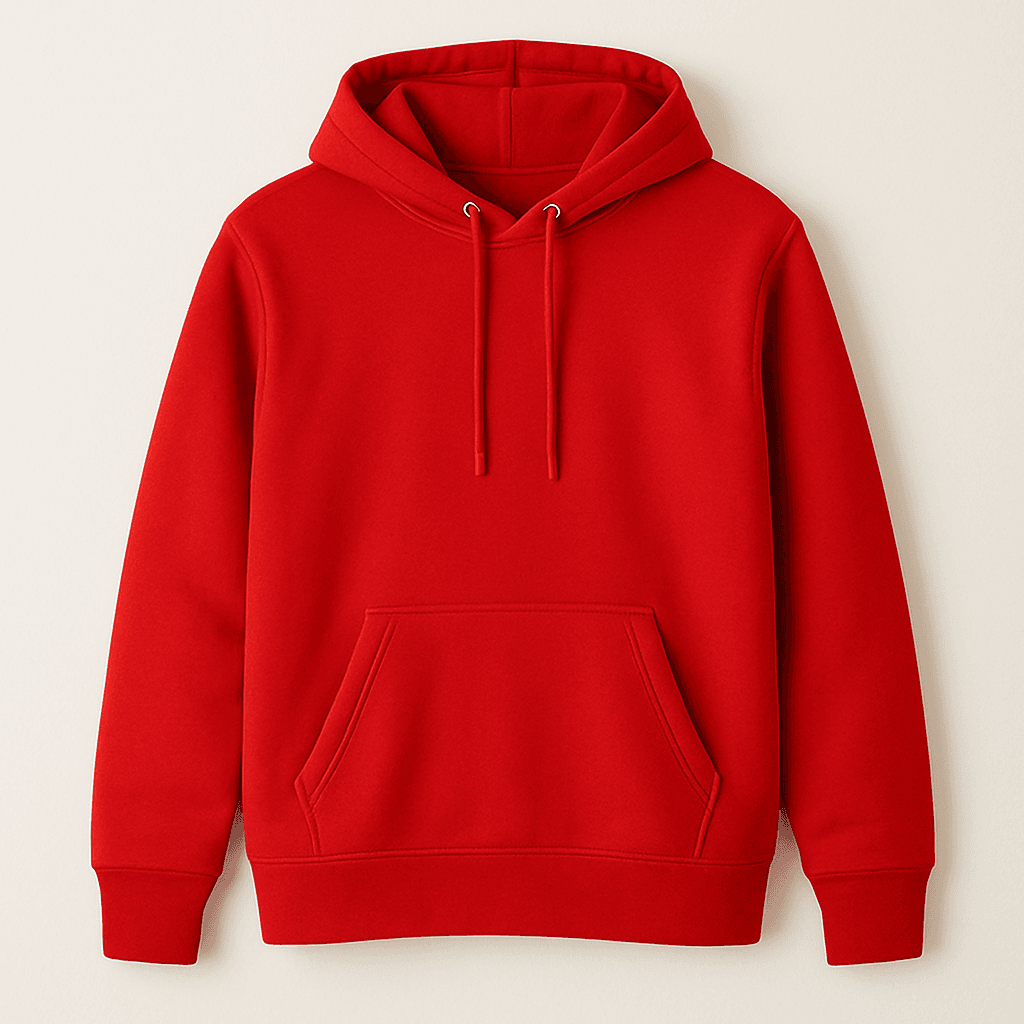
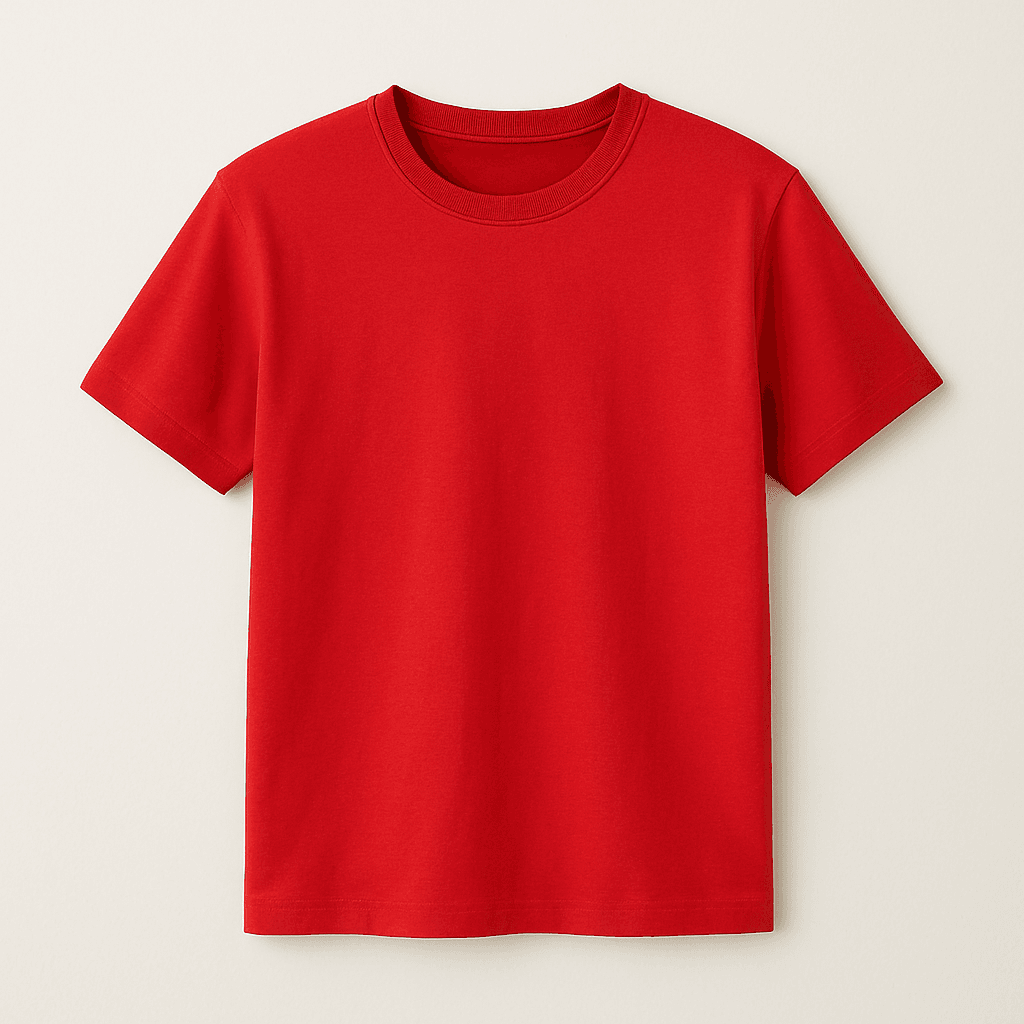
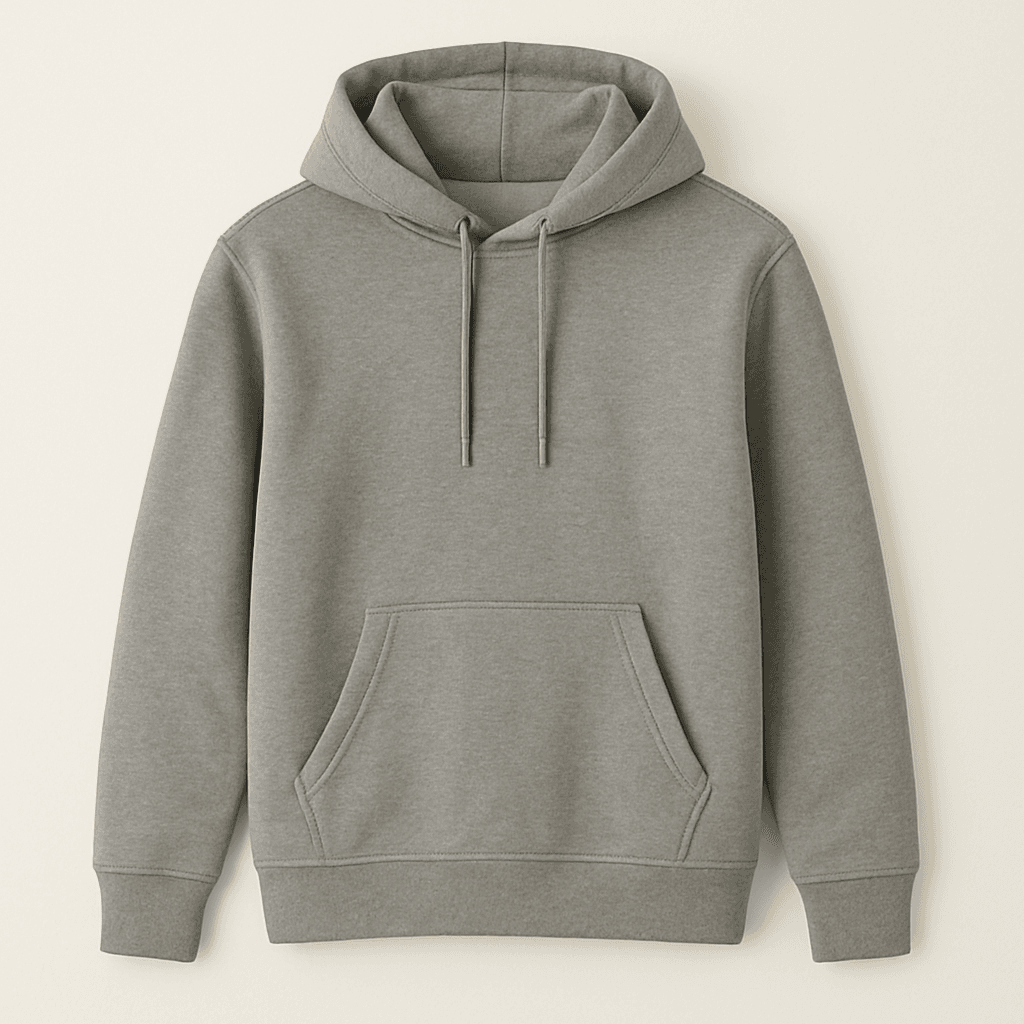
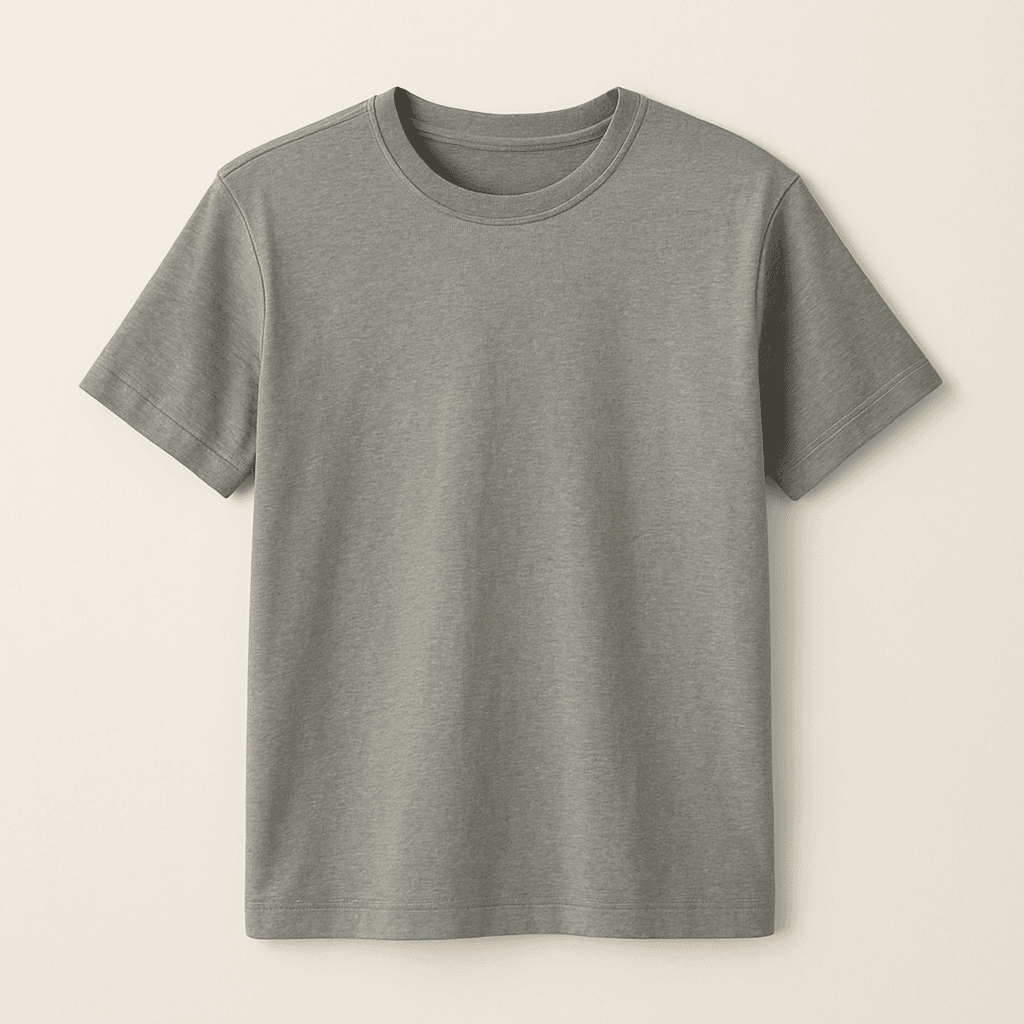
Tabela debugowania danych produktów
Ta tabela przydaje się do sprawdzania, jakie dane zwraca silnik rekomendacji. Wyświetla wszystkie dostępne właściwości produktów w ustrukturyzowanym formacie, dzięki czemu możesz szybko zweryfikować dane przed zaprojektowaniem bannera.
@{
    var recommendations = Model.GetRecommendations(4);
}
<style>
    table.custom-table {
        border-collapse: collapse;
        width: 100%;
    }
    table.custom-table, table.custom-table th, table.custom-table td {
        border: 1px solid black;
    }
    table.custom-table th, table.custom-table td {
        padding: 8px;
    }
</style>

<table class="custom-table">
    <thead>
        <tr>
            <th>Produkt</th>
            <th>Zdjęcie</th>
            <th>Nazwa</th>
            <th>Link</th>
            <th>ID</th>
            <th>Kategoria</th>
            <th>Cena regularna</th>
            <th>Cena promocyjna</th>
            <th>Cena Omnibus</th>
        </tr>
    </thead>
    <tbody>
        @foreach (var item in recommendations.Products
            .Where(p => p != null)
            .Select((p, index) => new { Product = p, Index = index }))
        {
            <tr>
                <td>Produkt @item.Index</td>
                <td><img src="@item.Product.ImageUrl" alt="Produkt @item.Index" width="100"/></td>
                <td>@item.Product.Name</td>
                <td><a href="@item.Product.Url">@item.Product.Url</a></td>
                <td>@item.Product.Id</td>
                <td>@item.Product.Category</td>
                <td>@item.Product.PriceString @recommendations.Currency.Sign</td>
                <td>@item.Product.CurrentPriceString @recommendations.Currency.Sign</td>
                <td>@item.Product.OmnibusPriceString @recommendations.Currency.Sign</td>
            </tr>
        }
    </tbody>
</table>
Najlepsze praktyki
- Aby zapobiec błędom, zawsze używaj operatorów warunkowych null (?.) podczas odwoływania się do właściwości produktu.
- Przed wyświetleniem treści sprawdź, czy występują wartości null lub wartości puste.
- Stosuj zasady projektowania responsywnego, żeby banner działał poprawnie na wszystkich urządzeniach.
- Testuj bannery przy różnej liczbie zwracanych produktów – metoda może zwrócić mniej produktów niż podana wartość count.
- Używaj CurrentPriceString jako aktualnej ceny produktu i wyświetlaj PriceString jako rezerwę, gdy pole jest puste.
- Przy wyświetlaniu ceny obniżonej zawsze pokazuj OmnibusPriceString obok niej, aby spełnić wymogi dyrektywy Omnibus.